
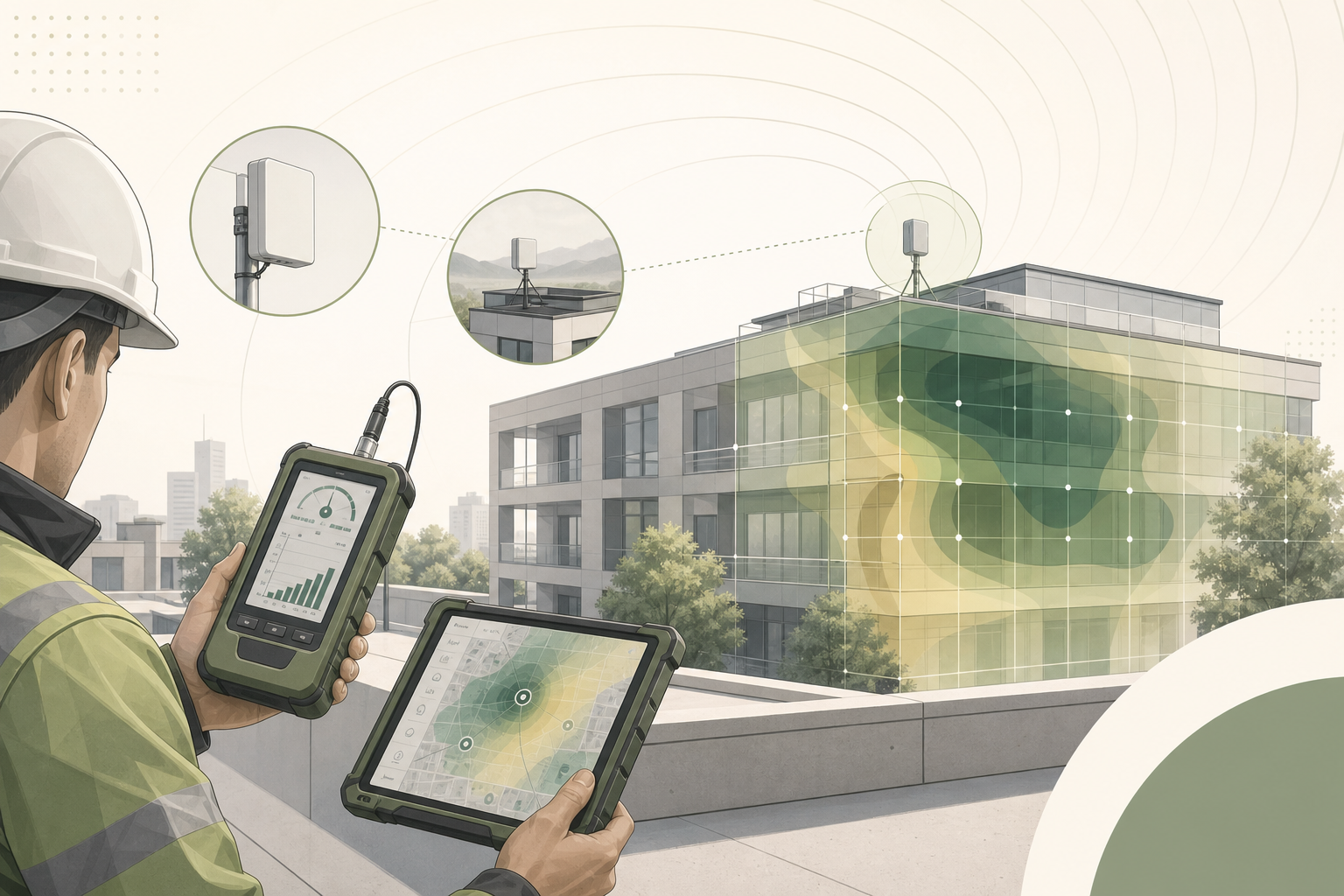
A properly executed site survey is the single most important factor determining whether a 5G fixed wireless access (FWA) deployment delivers the throughput and reliability your customers expect—or generates a steady stream of support tickets. Yet in the rush to scale FWA rollouts, many operators and integrators shortcut this critical step, relying on coverage maps and best-guess antenna placement rather than methodical field measurements.
This guide provides a structured, repeatable methodology for 5G FWA site surveys and outdoor CPE installation. It is designed for field engineers, deployment managers, and technical teams at ISPs, operators, and system integrators who need to deliver consistent installation quality at scale.
Phase 1: Pre-Installation Preparation
1.1 Tools and Equipment Checklist
Before heading to the site, ensure your field kit includes:
- Spectrum/signal analyzer: A handheld 5G NR-capable analyzer supporting FR1 (sub-6 GHz) and, if applicable, FR2 (mmWave) bands. Rohde & Schwarz, Keysight, and Anritsu offer field-portable options. For budget-constrained operations, smartphone-based tools like G-NetTrack Pro or NSG can provide adequate baseline measurements when calibrated against a reference device.
- Candidate CPE device: The exact CPE model planned for deployment, loaded with engineering firmware that exposes RSRP, RSRQ, SINR, and PCI readings. Generic measurement tools cannot substitute for the actual CPE’s antenna and modem characteristics.
- Mounting test pole: A telescoping pole (3–6 meters) with temporary bracket for testing antenna positions at planned mounting heights.
- GPS receiver or smartphone: For recording precise coordinates and azimuth angles at each test position.
- Laptop/tablet: Running iPerf3 or equivalent for throughput testing, plus a spreadsheet or survey app for structured data capture.
- Compass and inclinometer: For recording antenna azimuth and tilt angles.
- Weather-appropriate PPE: Harness, helmet, gloves for rooftop work; sun protection for extended outdoor surveys.
1.2 Pre-Survey Intelligence Gathering
Before leaving the office, collect the following information:
- Operator coverage maps: Download the latest 5G coverage data for the target address. Note the nearest cell site locations, azimuth directions, and estimated distances.
- Spectrum bands deployed: Identify which NR bands (n78, n41, n77, n1, n3, n28, etc.) are active at the target location and their channel bandwidths. This determines whether the deployment will leverage mid-band capacity or rely on low-band coverage.
- Site photographs (Google Earth/Street View): Preview the building orientation, roofline, surrounding structures, and potential obstructions (trees, adjacent buildings, water towers).
- Customer requirements: Confirmed throughput targets (downlink and uplink), number of concurrent users, application profile (e.g., general internet vs. VoIP/video conferencing vs. industrial IoT), and any specific SLA commitments.
Phase 2: On-Site Signal Survey
2.1 Exterior Signal Assessment
Begin with a walk-around survey of the building exterior. The goal is to identify the optimal azimuth direction and mounting position before committing to a fixed installation.
Step 1 — Perimeter Scan: Walk a complete circuit of the building at ground level, stopping every 5–10 meters to record RSRP, RSRQ, and SINR values from the candidate CPE. Hold the device at arm’s length, oriented toward the exterior wall, and rotate through 360° at each position. Record the best and worst azimuths.
Step 2 — Rooftop/Balcony Assessment: If accessible, repeat the perimeter scan at the planned mounting height. Signal quality at 5 meters above ground can differ dramatically from ground-level readings, particularly in urban environments with street-level canyon effects. Use the test pole to simulate the final antenna position.
Step 3 — Line-of-Sight Verification: For deployments targeting mmWave or high-frequency mid-band (n78/n77), visually confirm line-of-sight to the serving cell site. Even partial obstructions—building corners, tree canopies, signage—can cause 10–20 dB of signal attenuation at frequencies above 3.5 GHz. Use binoculars or a camera with telephoto lens if the cell site is not visible to the naked eye.
2.2 Signal Quality Thresholds
Record and evaluate measurements against these recommended minimum thresholds for a production-grade 5G FWA installation:
| Metric | Excellent | Good | Adequate | Unacceptable |
|---|---|---|---|---|
| RSRP (dBm) | > −85 | −85 to −95 | −95 to −105 | < −105 |
| RSRQ (dB) | > −10 | −10 to −15 | −15 to −18 | < −18 |
| SINR (dB) | > 20 | 10 to 20 | 5 to 10 | < 5 |
If the best measured position falls into the “Adequate” range, consider whether a higher-gain directional antenna or an alternative mounting location can improve signal quality. “Unacceptable” readings indicate that the site may require an outdoor CPE with high-gain antenna array, a different operator’s service, or should be deferred until network densification improves coverage.
Phase 3: Antenna Positioning and Optimization
3.1 Directional Antenna Alignment
For outdoor CPE with integrated or external directional antennas, precise alignment toward the serving cell is critical. A 10° misalignment on a high-gain antenna can reduce received signal strength by 3–6 dB.
Alignment Procedure:
- Identify the Physical Cell ID (PCI) of the strongest detected cell.
- Using the pre-survey cell site location data, calculate the azimuth bearing from the installation site to the target cell.
- Mount the CPE temporarily on the test pole at the planned height and position.
- Slowly sweep the azimuth ±30° from the calculated bearing while monitoring real-time RSRP and SINR.
- Lock the azimuth at the position yielding the highest SINR—not necessarily the highest RSRP. SINR is the stronger predictor of achievable throughput.
- Adjust tilt (elevation) to fine-tune, especially if the cell site is at a significantly different elevation.
3.2 MIMO Antenna Considerations
Modern 5G CPE devices typically implement 2×2 or 4×4 MIMO. For external antenna installations, ensure:
- Antenna elements are separated by at least λ/2 (approximately 4.3 cm at 3.5 GHz) to maintain spatial diversity.
- Cross-polarized antenna pairs (+45°/−45°) are oriented correctly to match the cell site’s polarization configuration.
- Multiple antenna panels are pointed at the same serving cell—splitting across different cells can degrade MIMO rank and reduce throughput.
Phase 4: Throughput Verification
4.1 Benchmark Testing Protocol
Once the CPE is positioned at the optimal location, conduct structured throughput tests before finalizing the installation:
- Idle Throughput Test: Run iPerf3 TCP for 60 seconds with no other traffic on the link. Record average and 95th percentile throughput in both downlink and uplink directions.
- Concurrent Load Test: Simulate the expected multi-user scenario by running 3–5 parallel iPerf3 TCP streams. This stresses the CPE’s buffer management and reveals throughput degradation under concurrent load.
- Latency Under Load Test: Run continuous ICMP pings (1-second interval) to a nearby server while the iPerf3 TCP test is active. Document the increase in RTT compared to idle conditions. Bufferbloat exceeding 50 ms of added latency warrants QoS tuning on the CPE.
- Stability Test: Monitor RSRP, SINR, and PCI for a minimum of 15 minutes. Look for cell reselection events, signal fluctuations exceeding ±5 dB, or PCI changes that indicate handover to a weaker cell.
4.2 Acceptance Criteria
A 5G FWA installation meets acceptance criteria when:
- Downlink throughput ≥80% of the operator’s advertised speed tier for the site location.
- SINR remains stable within a 5 dB band over the observation period.
- No cell reselection or PCI changes during the stability test.
- Latency under load does not increase by more than 30 ms over idle RTT.
Document all measurements with timestamps, GPS coordinates, and photographs of the final installation. This data is invaluable for troubleshooting future performance issues and demonstrating installation quality to customers.
Phase 5: Common Pitfalls and Troubleshooting
| Symptom | Likely Cause | Remediation |
|---|---|---|
| Good RSRP but poor SINR | Strong interference from adjacent cell or non-cellular source | Adjust azimuth to favor serving cell; consider band-locking to a cleaner channel |
| Good signal but low throughput | Cell congestion or backhaul limitation | Test at off-peak hours to isolate; escalate to operator if confirmed |
| Frequent PCI changes | Ping-pong handover between cells of similar strength | PCI lock on CPE; adjust antenna to increase dominance of preferred cell |
| High latency under load | Bufferbloat on CPE or operator core network | Enable AQM/CoDel on CPE; apply traffic shaping below link capacity |
| Uplink significantly below expectations | TDD frame configuration favors downlink; low UE transmit power | Verify TDD pattern with operator; reposition CPE to reduce uplink path loss |
Site Survey Documentation Checklist
Complete this checklist for every installation and attach it to the deployment record:
- ☐ Site address and GPS coordinates
- ☐ Installer name and date
- ☐ Operator and service plan details
- ☐ CPE model, firmware version, and IMEI
- ☐ Best-position measurements: RSRP ____ dBm | RSRQ ____ dB | SINR ____ dB | PCI ____
- ☐ Final antenna azimuth: ____ ° | Tilt: ____ ° | Mounting height: ____ m
- ☐ Throughput test results: DL ____ Mbps | UL ____ Mbps | Latency (idle) ____ ms | Latency (load) ____ ms
- ☐ Stability observation period: ____ minutes | PCI changes: ____
- ☐ Photographs: Installation position, surrounding environment from antenna perspective, CPE mounting detail
- ☐ Customer sign-off
FAQ
What is the most common mistake in 5G FWA site surveys?
The most frequent error is relying solely on smartphone-based signal readings rather than testing with the actual CPE device that will be deployed. Smartphone antennas, modem capabilities, and MIMO configurations differ significantly from dedicated FWA CPE, often producing misleading signal quality estimates.
How long should a typical 5G FWA site survey take?
A thorough residential or small-business survey typically takes 45–90 minutes, including perimeter scans, rooftop assessment, antenna alignment optimization, and throughput verification. Large enterprise or multi-floor installations may require 2–4 hours.
Can I use a drone for rooftop signal assessment?
Yes, drone-based surveys are increasingly common for multi-story buildings and industrial sites where rooftop access is restricted. However, drone-mounted measurement equipment must be lightweight and the surveyor must account for drone body effects on antenna patterns. Always comply with local aviation regulations.
What should I do if no position meets the minimum signal thresholds?
Consider these escalation options: (1) install an outdoor CPE with a higher-gain directional antenna array, (2) explore external antenna options with longer cable runs to reach a better signal position, (3) evaluate an alternative operator’s coverage at the site, or (4) defer the installation and flag the address for network densification review.
Looking for carrier-grade 5G FWA CPE with flexible antenna options for your deployment projects? Contact Honlly Telecom to discuss our outdoor and indoor 5G CPE portfolio, including models with external antenna support and engineering-mode diagnostic access for professional site surveys.