
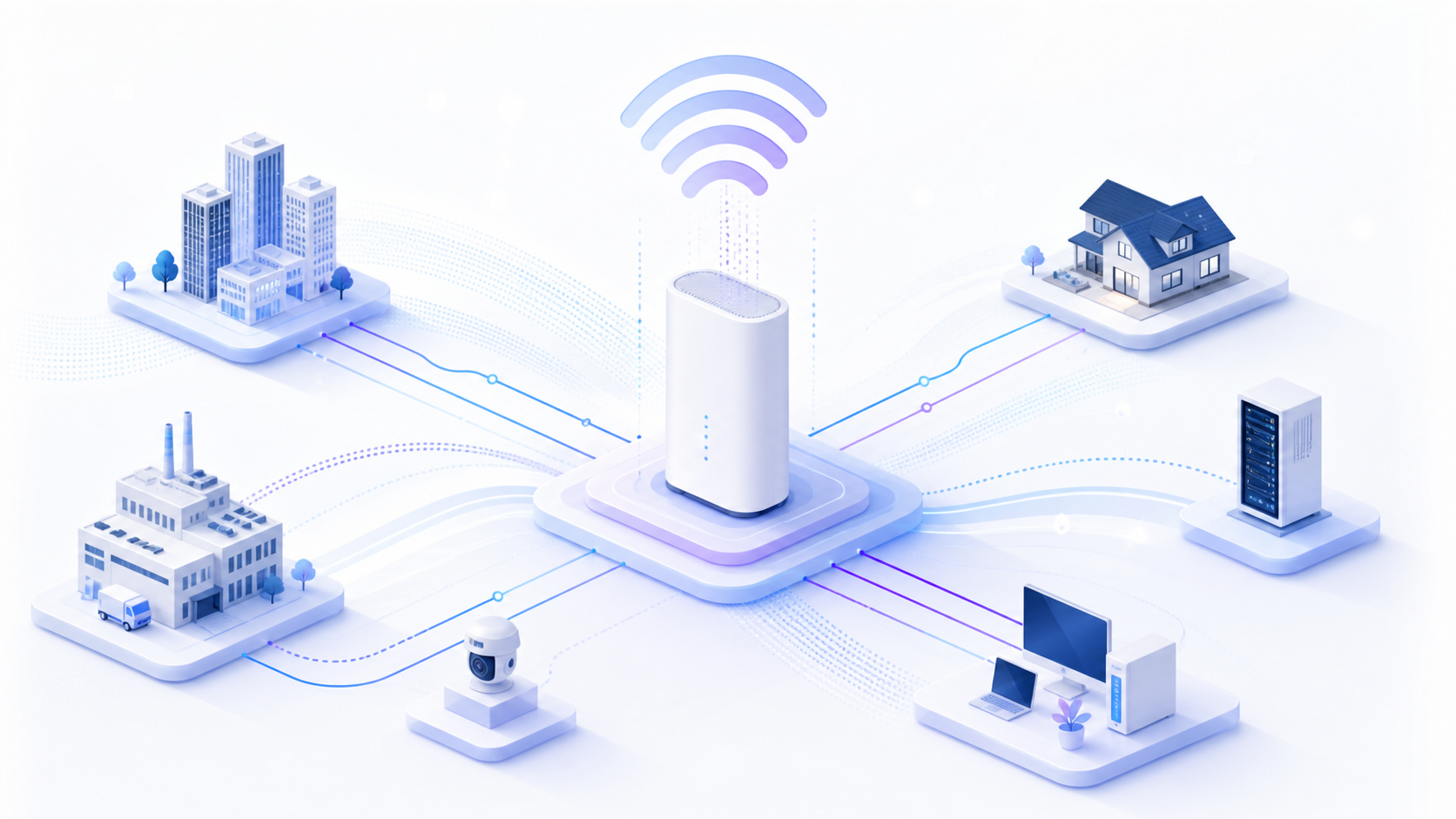
How a 5G CPE integrates with an existing enterprise network is often more important than its raw speed. The choice between router mode, bridge mode, and IP passthrough determines whether the device coexists cleanly with your firewall, SD-WAN edge, or existing LAN—or introduces double-NAT headaches and routing conflicts. This guide explains the integration modes so ISPs and enterprise buyers can select and configure 5G CPE correctly the first time.
Router mode, bridge mode, and IP passthrough explained
In router mode, the CPE runs its own NAT, DHCP server, and firewall, handing out private IP addresses to downstream devices. In bridge mode, the CPE passes the cellular WAN connection through at Layer 2, letting the customer’s own router obtain the public IP and handle routing. IP passthrough is a middle path: the CPE keeps its management interface but assigns the public WAN IP directly to a single downstream device, effectively disabling NAT for that device while retaining remote management.
When to choose bridge mode
Bridge mode is the right choice when the customer already operates an enterprise-grade router, firewall, or SD-WAN appliance and wants that device to own the public IP, VPN tunnels, and security policy. It avoids double NAT, which can break inbound connections, IPsec, VoIP, and port forwarding. The trade-off is that the CPE becomes a transparent modem, and some carrier management or diagnostic features may be reduced.
IP passthrough and DHCP considerations
IP passthrough keeps management access to the CPE while handing the WAN IP to a designated downstream device identified by its MAC address. This is popular for branch deployments where the operator still needs to monitor or update the CPE remotely. Configure the passthrough target’s MAC carefully, and understand how the CPE handles lease renewal and failover so the public IP is reassigned predictably after a reboot or SIM switch.
Avoiding NAT and double-NAT pitfalls
Double NAT occurs when both the CPE and the downstream router perform network address translation. Symptoms include failed inbound connections, degraded VoIP, and broken port forwarding. If you must run the CPE in router mode behind an existing router, place the downstream router in the CPE’s DMZ or use port forwarding on the CPE—but be aware this can complicate security and troubleshooting. For clean architectures, prefer bridge mode or IP passthrough when a separate router exists.
Static routing and failover integration
In dual-WAN or failover designs, the 5G CPE typically serves as a backup path to a primary fiber or MPLS circuit. Configure the CPE in bridge or IP passthrough mode so the enterprise router manages both WAN links uniformly, applying its own failover, load-balancing, and policy-based routing. Keep the CPE’s management IP reachable on a dedicated management VLAN or subnet so it remains configurable even when the primary link is down.
Security considerations when bridging
Passing the public IP to a downstream device shifts security responsibility to that device, so ensure the customer’s firewall is properly configured before enabling bridge mode. Keep the CPE’s local management interface on a restricted, non-routable network and disable unnecessary services. Regardless of mode, use strong admin credentials and keep firmware current to protect the management plane.
Frequently Asked Questions
What is the difference between bridge mode and IP passthrough?
Bridge mode passes the WAN connection through at Layer 2 with minimal processing, while IP passthrough assigns the public IP to one downstream device but keeps the CPE’s management interface active for monitoring and updates.
Does bridge mode eliminate double NAT?
Yes. Because the downstream router receives the public IP directly, only one device performs NAT, which restores inbound connections, IPsec, VoIP, and port forwarding functionality.
Which mode is best for SD-WAN deployments?
Bridge mode or IP passthrough is usually best, so the SD-WAN appliance owns the public IP and manages failover, security, and policy routing across all WAN links uniformly.
Can I still manage the CPE remotely in bridge mode?
Remote management availability varies by vendor. IP passthrough is often preferred when operators need to retain monitoring and over-the-air update access to the CPE.
Honlly Telecom’s 4G and 5G CPE support flexible integration modes—router, bridge, and IP passthrough—so ISPs and enterprise integrators can deploy them cleanly within existing network architectures. Contact our team for configuration guidance and product samples.